How AI Is Helping Creators Spend Less Time on Repetitive Image Editing
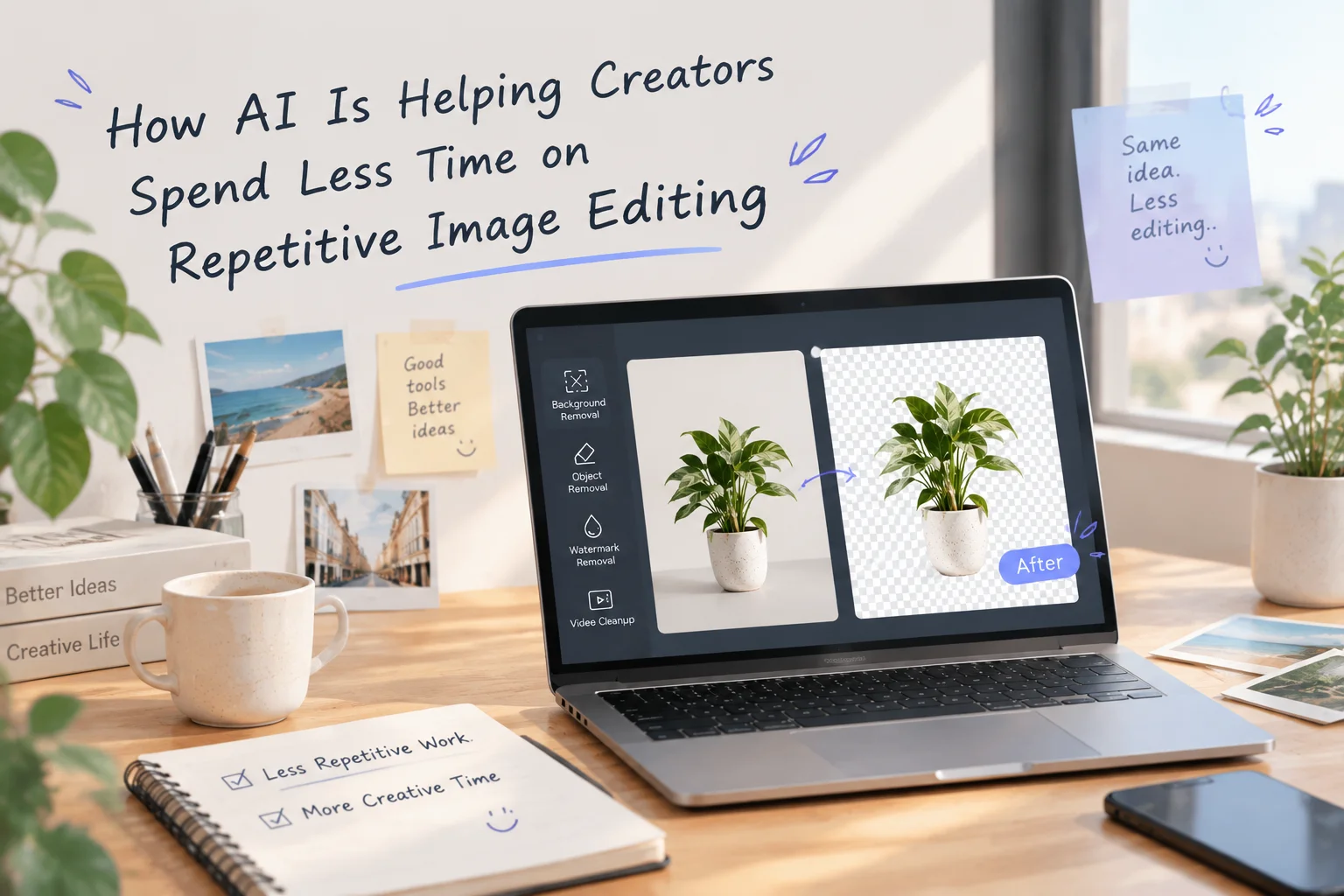
AI may not replace creative work, but it can remove the tasks that slow creators down.
The challenge is often the workflow, not the skill
Creating visual content has become part of everyday work for many people. A designer may prepare images for a marketing campaign. A small business owner may need product photos for an online store. A content creator may create graphics for social media every week.
Behind every finished image, there are often many small editing steps that take time. Removing backgrounds, cleaning unwanted objects, adjusting images for different platforms, and preparing visual materials are common examples.
These tasks are not necessarily difficult. The problem is that they are repetitive. And when repetition increases, even simple editing work can become a noticeable part of the creative process.
How AI changes everyday editing tasks
Traditional image editing usually requires users to manually select objects, adjust edges, and refine details. AI image editing tools work differently. Instead of requiring every step to be completed manually, AI can analyze visual information and help automate parts of the process.
The goal is not to make every creative decision automatically. The goal is to reduce the amount of repetitive work before the creative decision happens. Good creative work still depends on human ideas, but fewer technical obstacles can make those ideas easier to execute.
Using AI as part of a creative workflow
One thing I find interesting about AI tools is that their biggest value is often found in small improvements. Creators do not always need AI to generate an entire finished project. Sometimes they simply need help with the parts that slow them down.
While exploring AI-assisted editing workflows, I came across Remover.work, which focuses on simplifying tasks such as background removal, image cleanup, and other visual editing processes. The interesting part is not just the automation itself. It is how these tools can fit into an existing workflow without changing the creative direction of the project.
AI still needs human judgment
AI can help remove a background, but it does not know whether that background matches the story a creator wants to tell. Choices about composition, colors, visual style, and communication still belong to people. The most practical way to use AI is as an assistant rather than a replacement — let AI handle repetitive technical steps, and let humans focus on ideas and decisions.
Why accessibility matters
AI image editing lowers the barrier for people who are interested in visual creation. Someone can start with a simple idea, create a visual draft, and improve their skills over time. For experienced designers, AI can help speed up production. For beginners, it can make creative tools feel less intimidating.
The future of creative tools is collaboration
AI image editing is still developing. There are still situations where manual editing is better, especially with complex images or projects that require precise control. Creative tools are becoming more focused on collaboration between humans and technology. AI can manage repetitive operations. People can focus on creativity, storytelling, and decision-making.
Final thoughts
The most useful AI tools are not always the ones that completely change how people work. Sometimes, their value comes from solving smaller problems. Removing a background, cleaning an object, or preparing an image may seem like minor tasks. But when these tasks happen repeatedly, they can take valuable time away from creative work.
AI image editing helps reduce that friction. It does not replace the person behind the project. It simply gives creators more time to focus on the parts that matter most.
See the difference for yourself
Try Remover.work and experience firsthand how much faster background removal, image cleanup, and other repetitive editing tasks can be.
Visit Remover.work