Less AI Slop, Better Websites: A Practical Guide

Whether you are a freelancer, a small business owner, or just someone with something to say online, your website is your digital front door. And if it has been sitting untouched for a while, chances are it is starting to show. The good news? You do not need a big budget or a professional designer to fix that. You just need the right process, the right tools, and the willingness to take the lead.
Have you ever wondered if your current website is so last year, or if it just does not feel well designed, and right now you do not want to spend any budget on a designer? Well, these days you always have new tools to help you with UI/UX, front end, and so on. Today we will learn how to build your website while minimizing AI slop.
1. Learn what you like and what you don't like
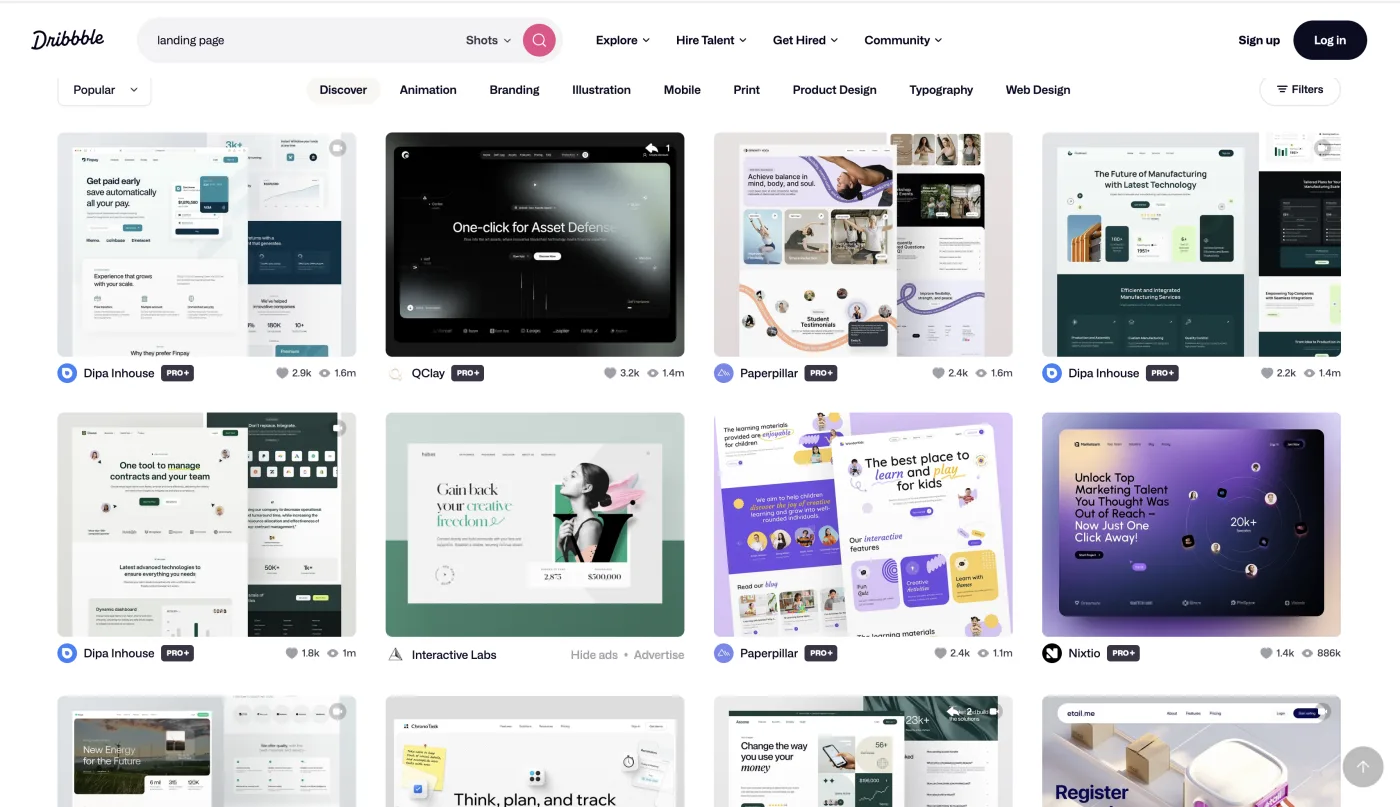
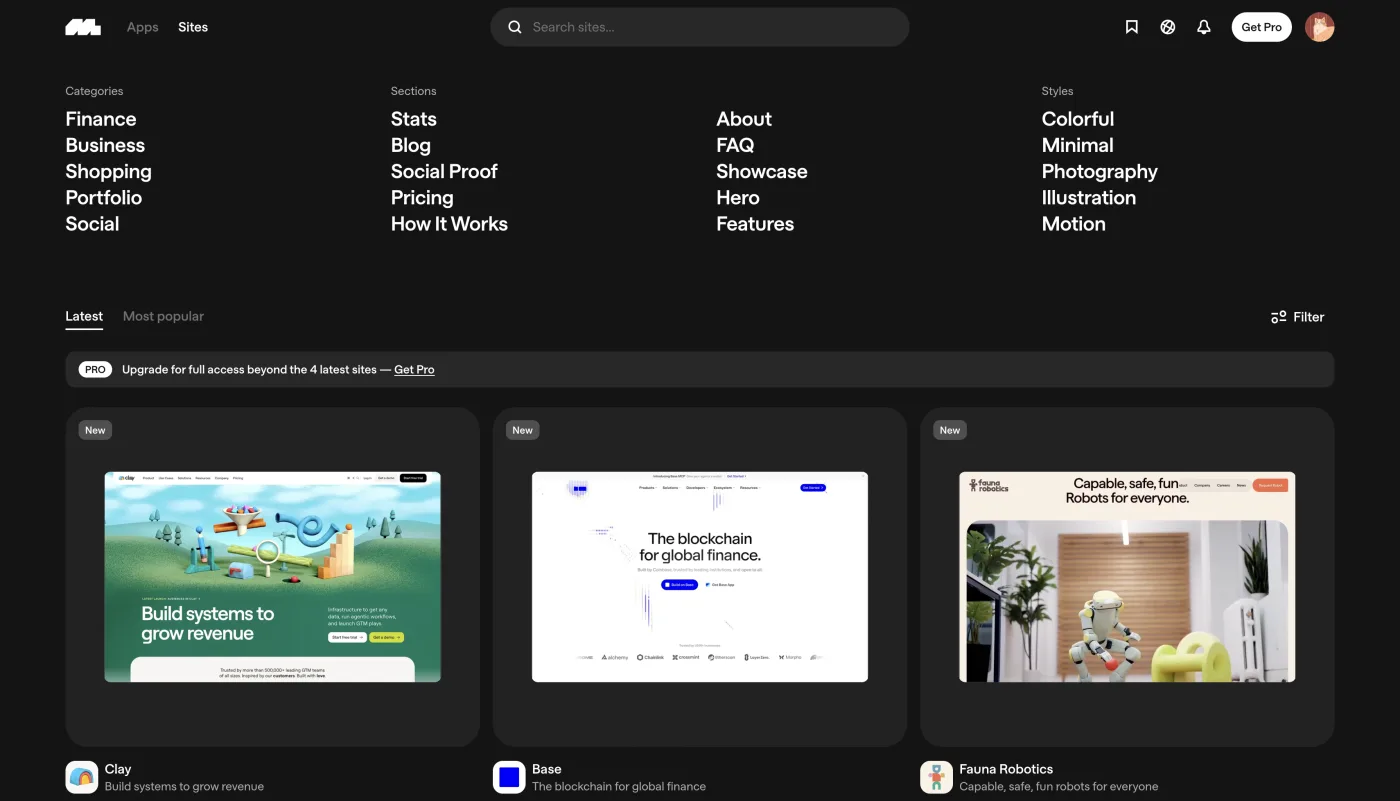
Before you open any tool or prompt any AI, you need to know what you actually like. This is the step most people skip, and it is exactly why so many AI-assisted websites end up looking the same. Take time to study your own taste. Browse designs that catch your eye, pay attention to what draws you in, and start building a sense of your own visual direction. For this, I recommend two of my favorite sites: Mobbin and Dribbble. Spend real time there. Gather as many references as you can, note what you like and why, and keep everything organized. When you can clearly explain your taste, you are already ahead.
2. Create your design system
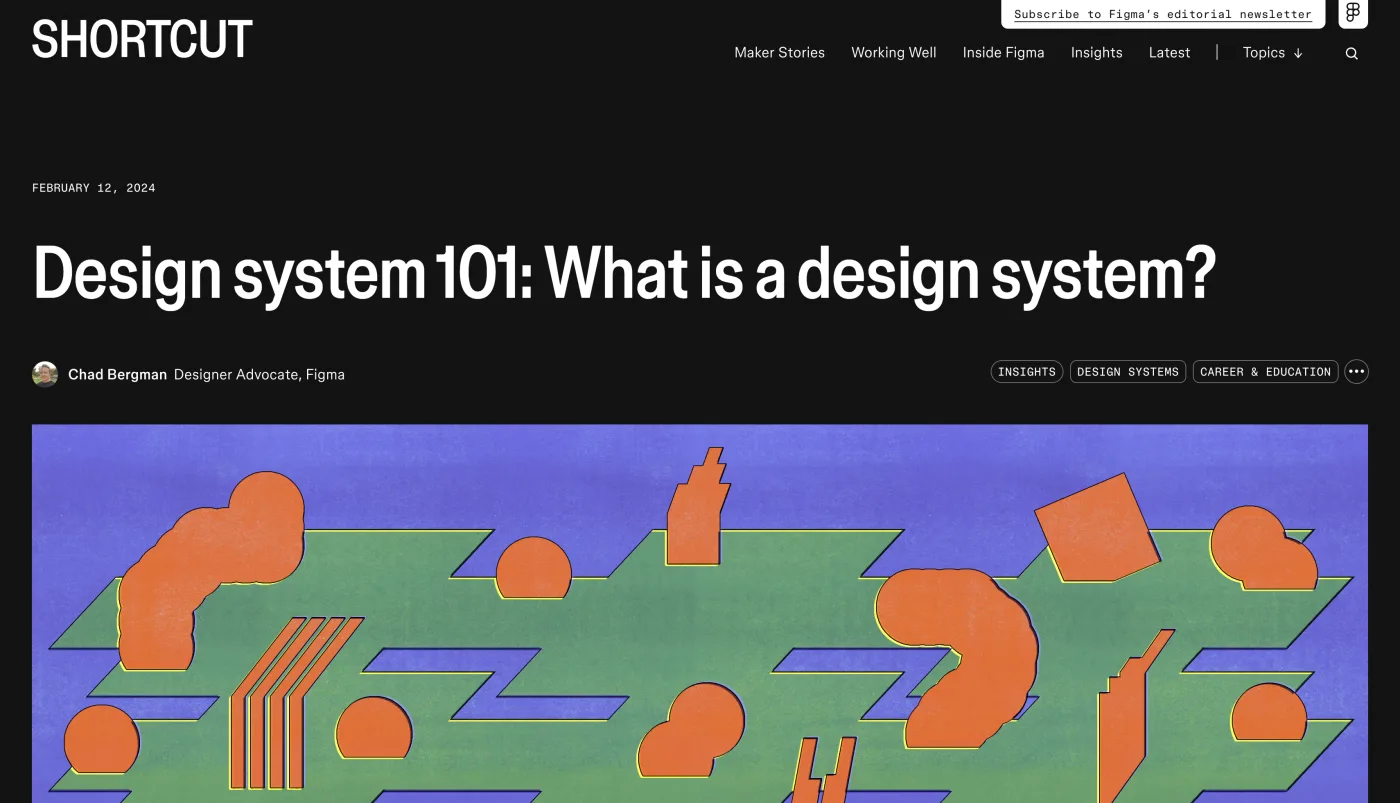
Think of AI as your new intern. Talented, fast, and eager to help, but it needs clear direction from you. Without that direction, things get messy quickly. That is where a design system comes in. A design system is your set of rules for how your website looks and feels, covering everything from typography and colors to button styles and spacing. It keeps your design consistent from page to page and component to component. Before you ask any LLM to help you build one, take some time to understand what a design system actually is and why it matters. Figma is a great place to start learning. Once you have that foundation, you will know exactly what to document and what to hand off to AI. From this step forward, your notes on typography, colors, button styles, and key components are your source of truth.
3. Decide your core process
Before you write a single line of code, you need to know what your website actually does. Does it need analytics? Will visitors be able to comment and contribute, or is it purely static? These questions will guide you toward the right tech stack. Once you have a clear picture of what you need, bring it to your LLMs (Claude/OpenAI) and walk them through your ideas. Be specific: "I want to build a blog where visitors can comment, and I need view count visualization. What is the best tech stack for this?" From there, do not just take the first recommendation at face value. Learn about each option, compare them, and decide what truly fits your needs. And as always, take notes.
4. Mix the ingredients
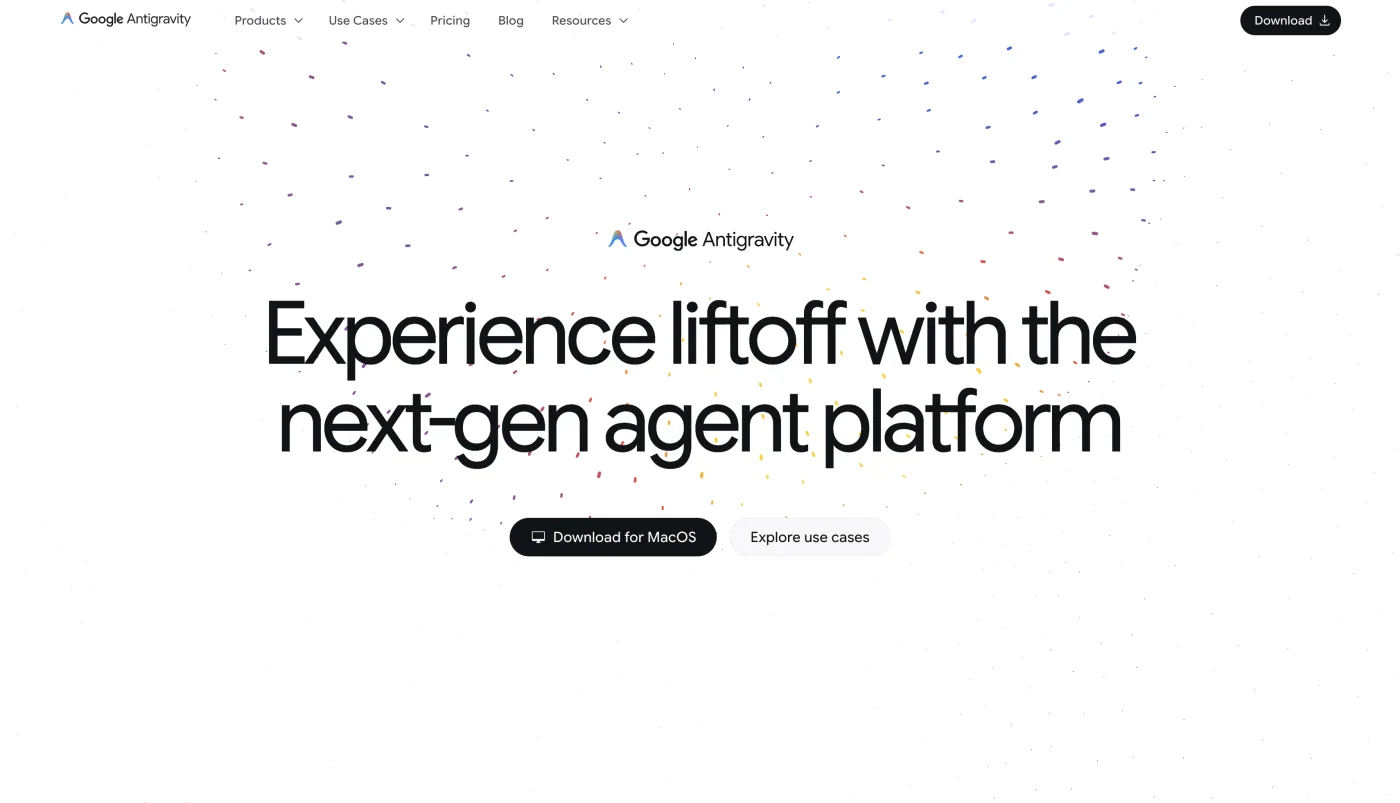
Now that you have your goals, design system, and tech stack, it is time to bring everything together. The key here is to work component by component. Do not walk up to AI and say "build me a website where people can read my blogs." That is a big no, because AI cannot read your mind and the result will show. Instead, think component-driven: start from the navbar, move to the hero section, and work your way down to the footer. For each component, share your references, design system, and tech stack. Make sure AI is following your lead, not the other way around. Polish each component before moving on to the next. For this part, I recommend Google Antigravity. It is free and lets you feed in your design system and tech stack preferences so everything stays aligned.
5. Contents and Assets
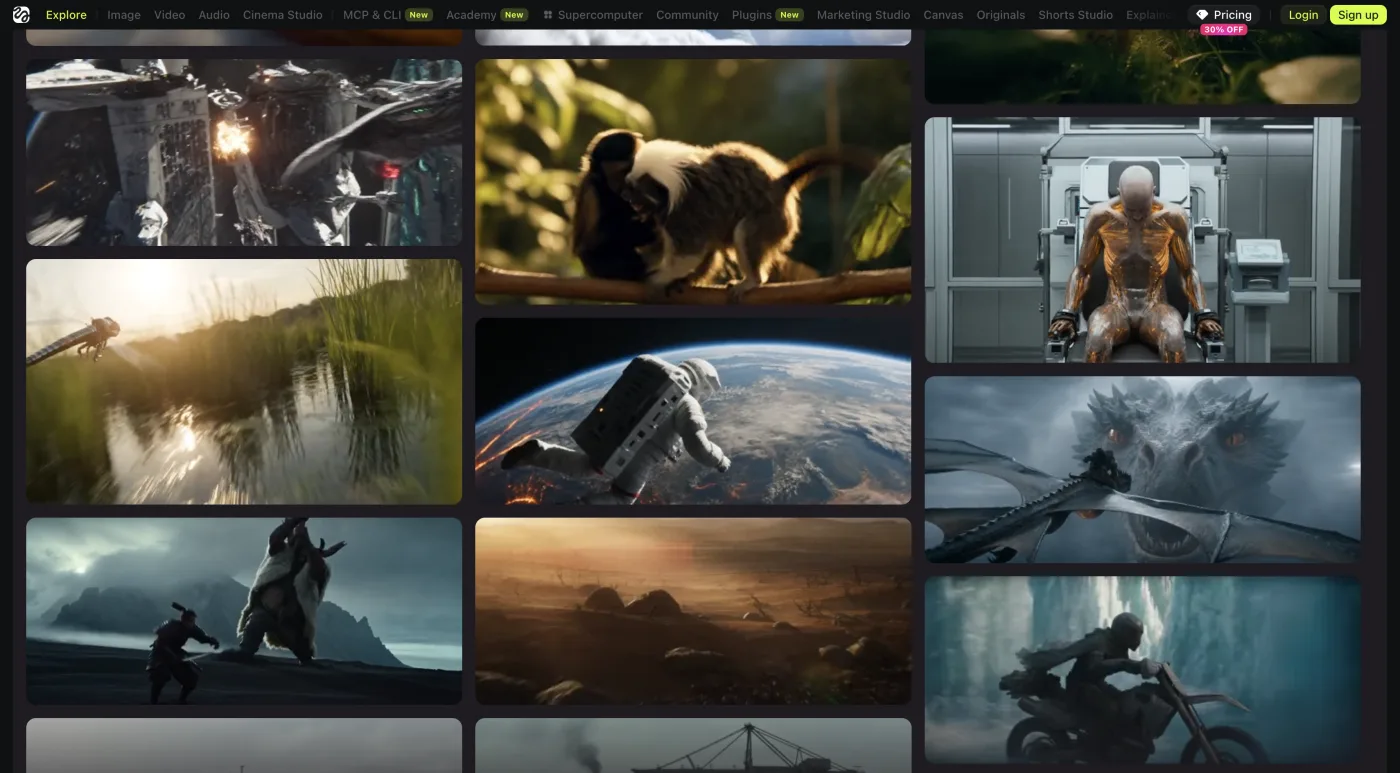
Reaching this step means your design skeleton is ready, and that is worth celebrating. Now comes the part that truly brings your website to life: the words and visuals. Write copy that speaks directly to what you want people to feel and understand when they land on your site. For visuals, lead with your own assets as much as possible. Use Canva or Figma to create designs that feel personal and intentional. If you need AI to help generate a natural-looking image, Higgsfield is a good option. Whatever you use, make sure your personality is present in every corner of the page. AI should be your assistant here, not your author.
6. Verify everything
This final step is where a lot of people let AI slop sneak in. They click through their site quickly, assume everything is fine, and hit publish. Do not do that. Go through each page with fresh eyes. Does the flow feel natural? Is the copy clear and purposeful? Do the components look consistent with your design system? Does the whole thing actually feel like you? AI slop thrives when there is no critical eye checking the work. Be that critical eye. Only when everything feels right should you go live.
At the end of the day, the best websites are the ones that feel human. They have a point of view, a personality, and a sense of intention behind every decision. AI is a powerful tool, but it should never replace your judgment or your taste. Use it to execute your vision, not to define it. Now go build something that actually looks and feels like you.
We have helped SMEs build their websites, from personal blogs to full business purposes. If you need any support on this, feel free to contact us and we will be happy to help you get started.